The Alerts module allows you to quickly view, create, and send important building-wide notifications to all residents.
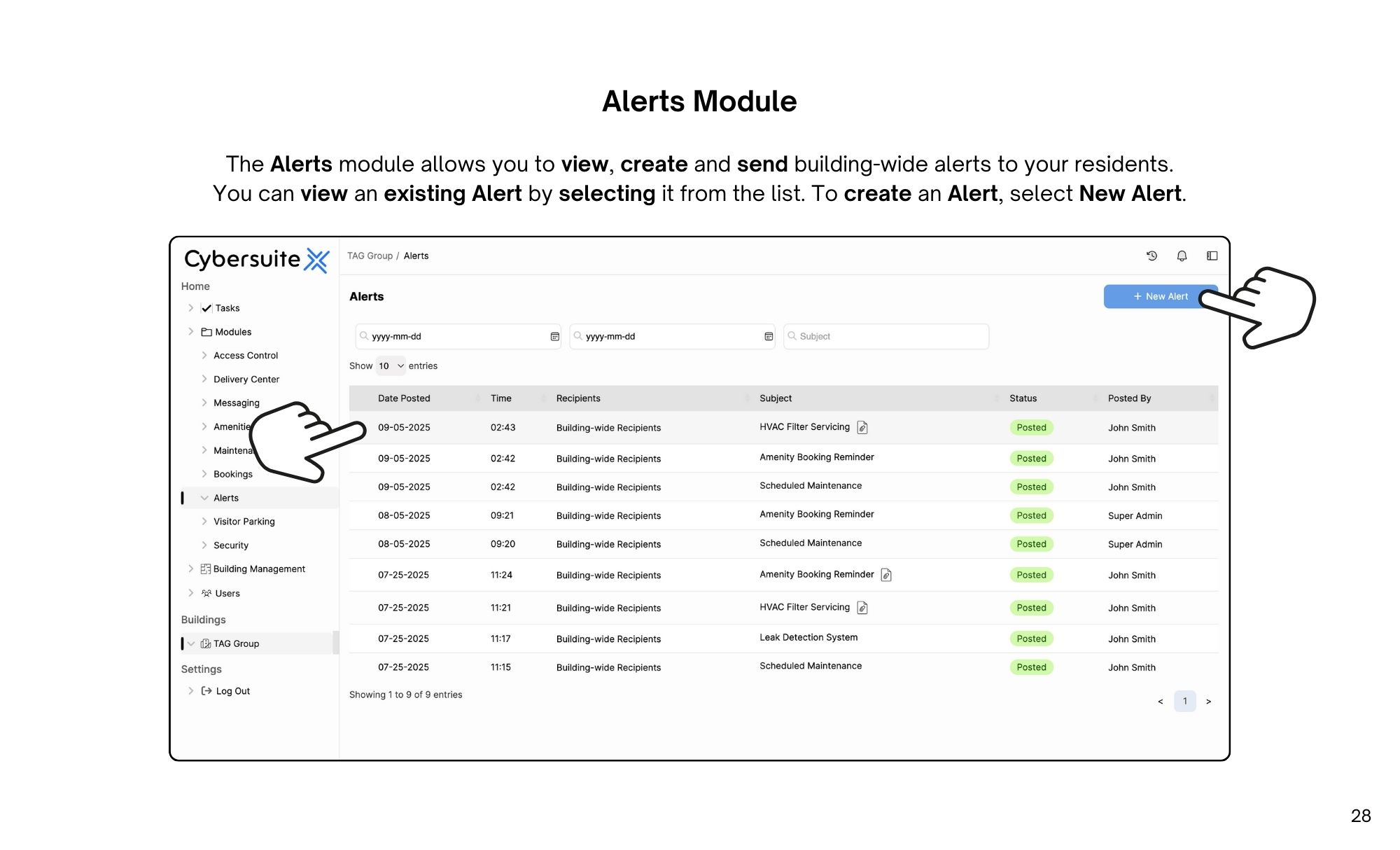
The Alerts module allows you to view, create and send building-wide alerts to your residents.
You can view an existing Alert by selecting it from the list.
To create an Alert, select New Alert.
When creating a New Alert, you can enable Include Pending Invites, add an Attachment, choose the Recipients, set the Alert Subject, and enter an Alert Message (when inputting information here, be sure to paste as plain text and use the in-app formatting tools (B, I, U, etc.).
When selecting Recipients, you can choose to select Building-Wide, a Specific Floor, Specific Roles or a Custom Group.
Once you have entered the details, select Send Alert.

Streamline operations, boost productivity, and drive innovation with our all-in-one platform.