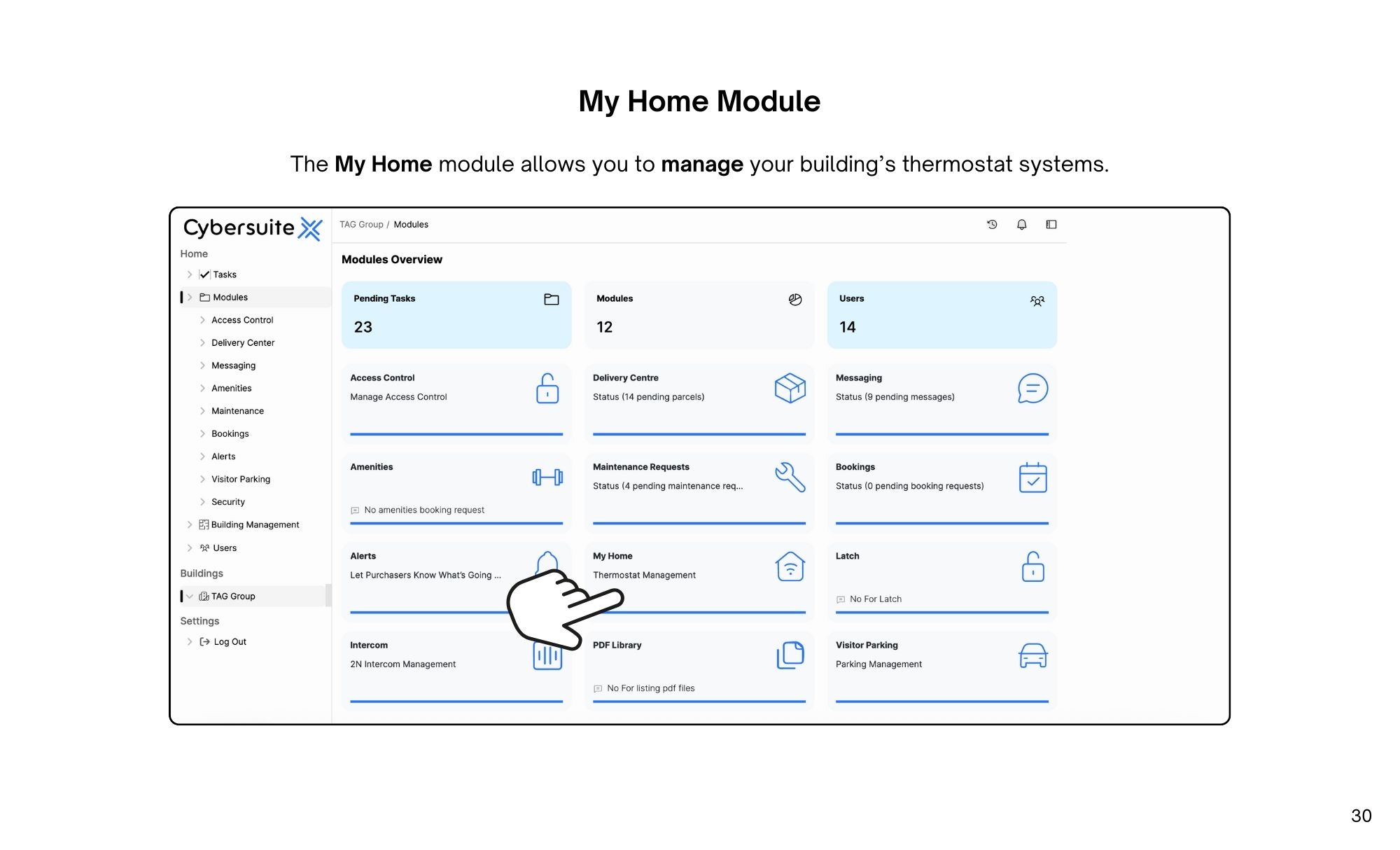
The My Home module allows you to manage and control your building’s thermostat systems with ease.
The My Home module allows you to manage your building’s thermostat systems.
Here, you will see a list of active thermostats. Select from the list to view.
To upload thermostats to your building, select upload thermostats.
On this page, use a .txt file to upload a list of thermostats. Select choose file to upload.
Once complete, select upload thermostats.
To add a thermostat to your building, select add thermostats.
Here, enter the thermostat serial number. enter the suite number, enter the internal device name, and enter the display name. Once complete, selectsubmit.

Streamline operations, boost productivity, and drive innovation with our all-in-one platform.