The Security module allows you to actively monitor and manage your building’s security and safety features, providing a centralized space for tracking incidents, reviewing daily activity, and maintaining detailed security records.
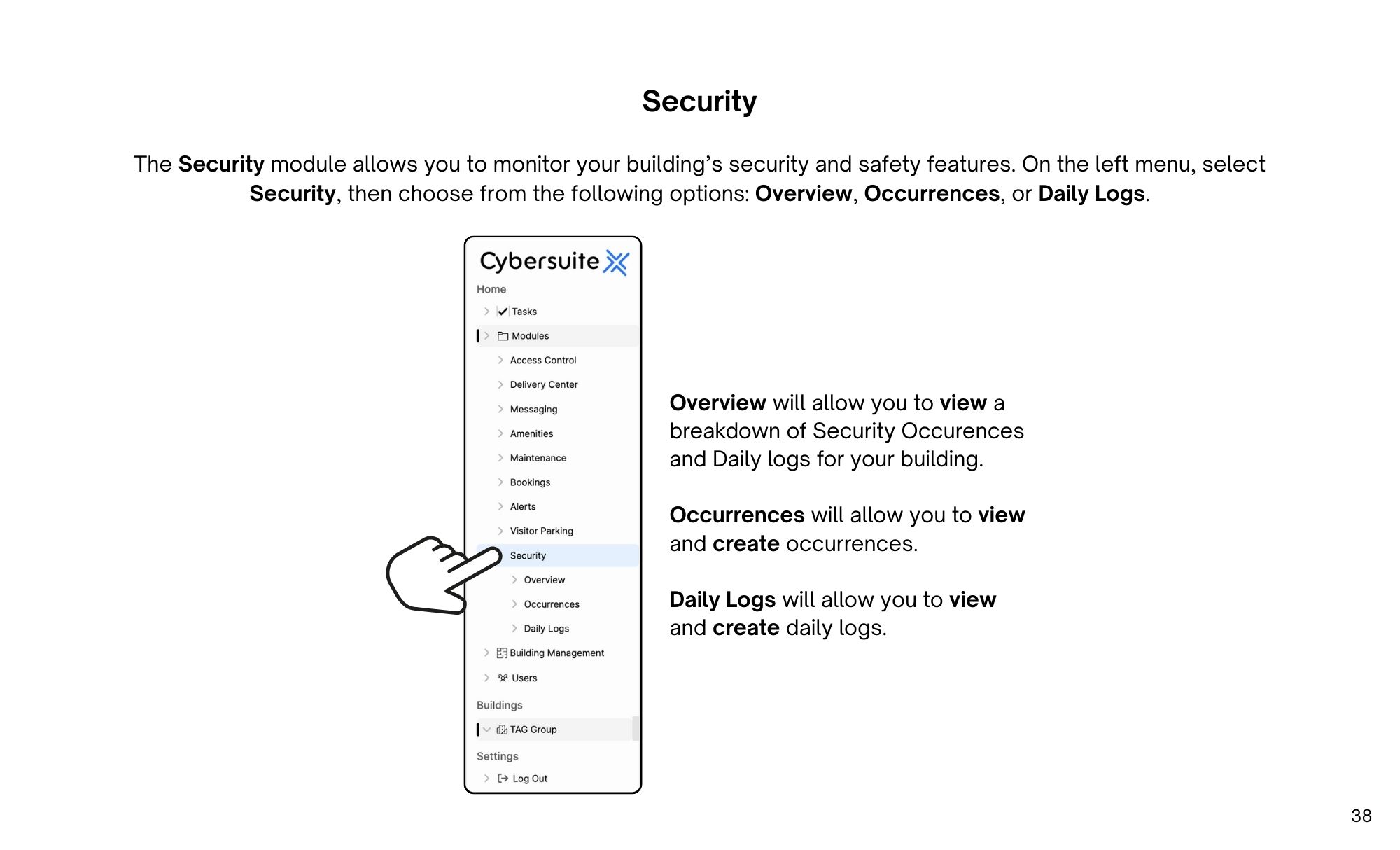
The Security module allows you to monitor your building’s security and safety features.
On the left menu, select Security, then choose from the following options: Overview, Occurrences, or Daily Logs.
To create an occurrence, select Occurrences from the left menu, then select Add Occurrence.
To create a daily log, select Daily Logs from the left menu, then select Add Daily Log.
Enter the date, subject, attachment and details. Once completed, select submit.

Streamline operations, boost productivity, and drive innovation with our all-in-one platform.