The Visitor Parking module allows you to efficiently manage all aspects of visitor parking for your building.
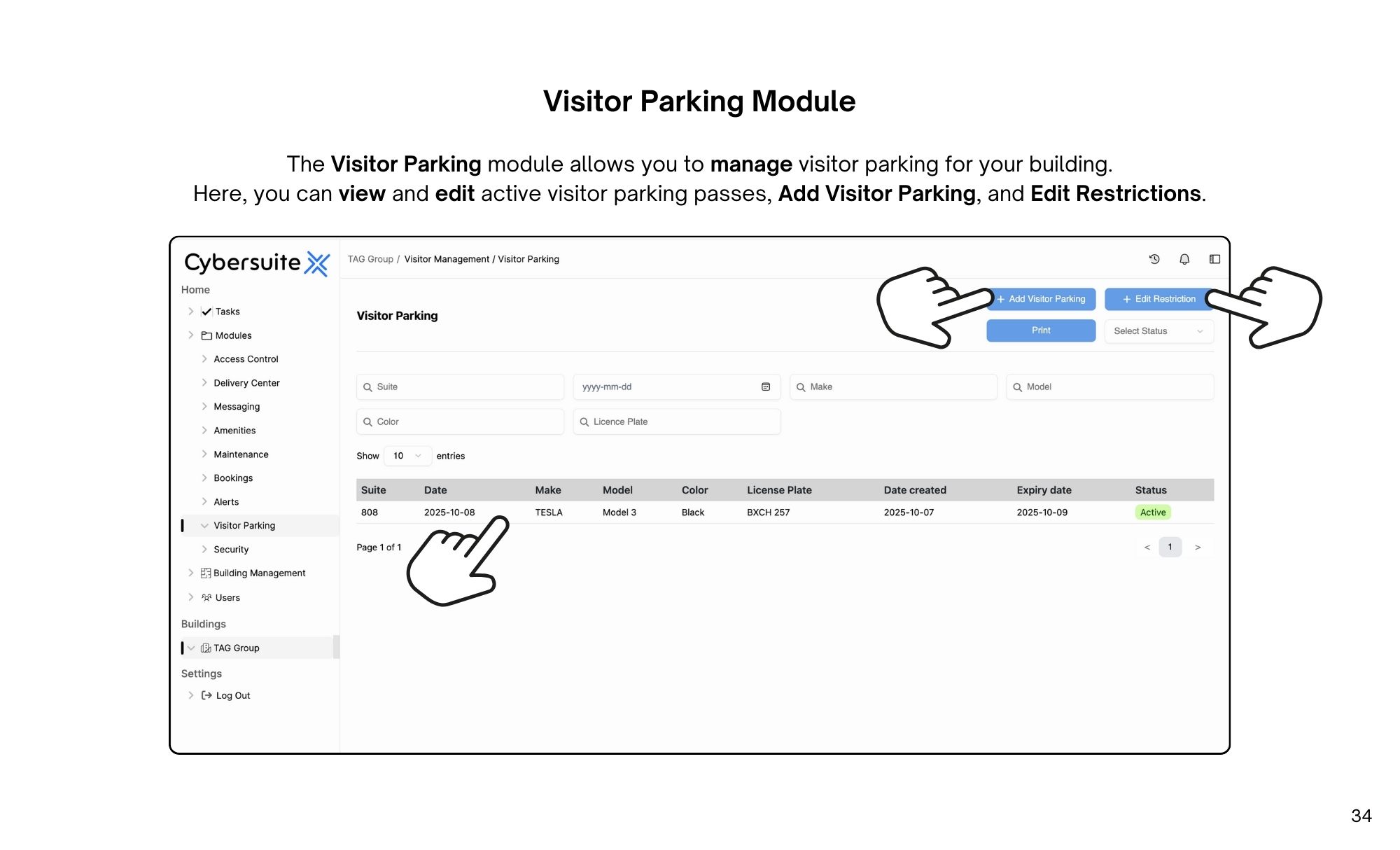
The Visitor Parking module allows you to manage visitor parking for your building.
Here, you can view and edit active visitor parking passes, Add Visitor Parking, and Edit Restrictions.
When viewing an existing Visitor Pass, you will be able to view the visitor vehicle and guest details.
On this page, you can Delete the pass by selecting Delete.
If the pass goes unused, you can credit it back to a user by selecting Reinstate Pass & Delete.
When registering a visitor vehicle, select Add Visitor Parking on the Visitor Management page, then enter the suite number, user, guest name, start date, end date, make, model, colour, and license plate.
Once done, select Register Vehicle.
To set restrictions, select Edit Restrictions on the Visitor Parking screen. Here you can set parameters like number of monthly parking passes per unit and number of nights included in each pass.
Once done, select Submit

Streamline operations, boost productivity, and drive innovation with our all-in-one platform.